Exclusions
The manage the list of excluded Archers results, click on the Exclusions button

The system will present a list of all current Exclusions.
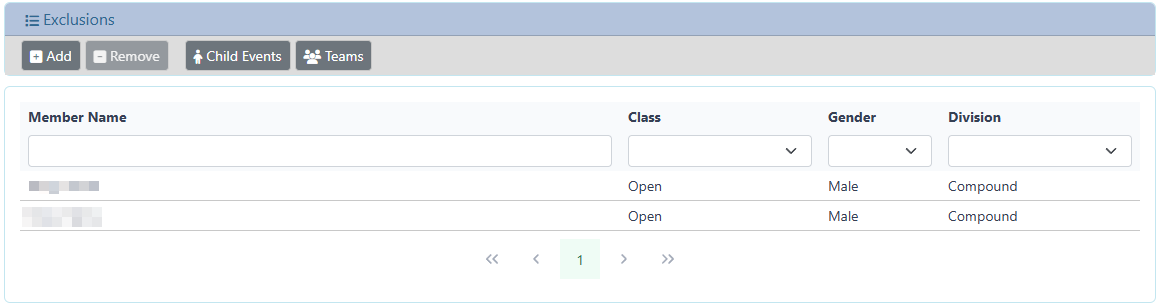
The scores for this Archer / Class / Division will be classified as Invalid, and the matching scores will be ineligible for awards or classifications, their scores will not be included in any Team scores and their scores will be listed last in the Events results page.
Add Exclusions
To add an Exclusion, click on the Add button

A dialog will be presented, initially filtered for Open / Male / Compound archers, with a list of all Archers matching the filter
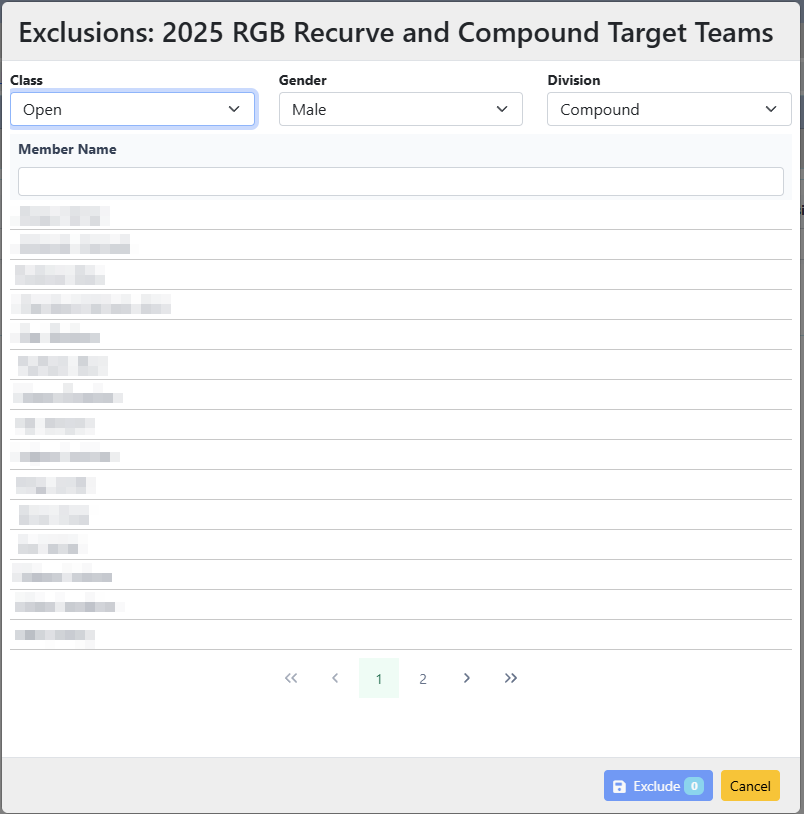
If the Archer you wish to exclude is in a different group, change the Class, Gender, Division to match the required group.
Select one or more Archers from the list.
The Select button will update to show a count of the number of Archers selected.
To add the Exclusion(s), click on the Select button.
The match Archer for selected Class / Gender / Division will be added to the list of Exclusions, and their scores will be invalid.
Any scores by the Member for a different Class / Gender / Division will still be valid, unless also marked as invalid.
Remove Exclusion
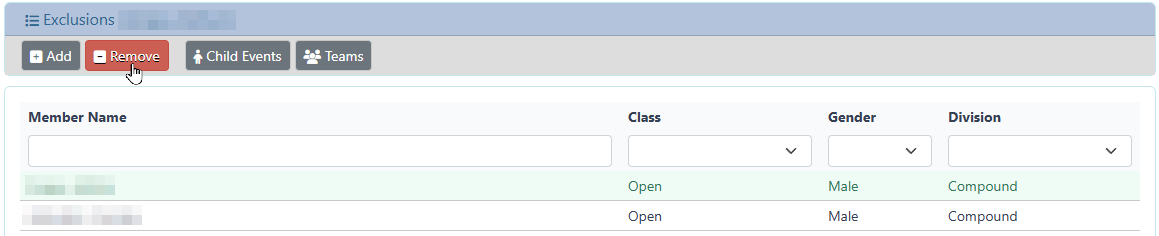
To remove an Archer exclusion, select the matching record (Archer / Class / Division / Gender) and click the Remove button.
A dialog will be presented to confirm the removal of the Exclusion
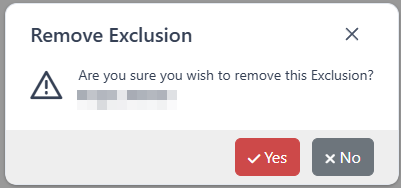
Click yes to continue and remove the Exclusion from the Master Event.
The Archers scores will return to a valid state.
Click no to cancel the operation, the Exclusion will not be removed.
Child Events
Display the Child Events information for the current Master Event
Teams
Display the Teams information for the current Master Event