Child Events
To Link Archers Diary Events to the Master Event, select the event from the list and click on the Child Events button
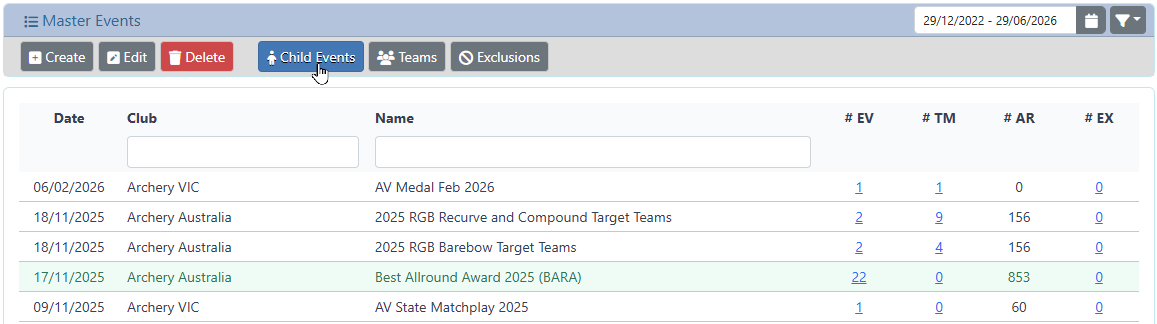
The system will show all of the existing linked events
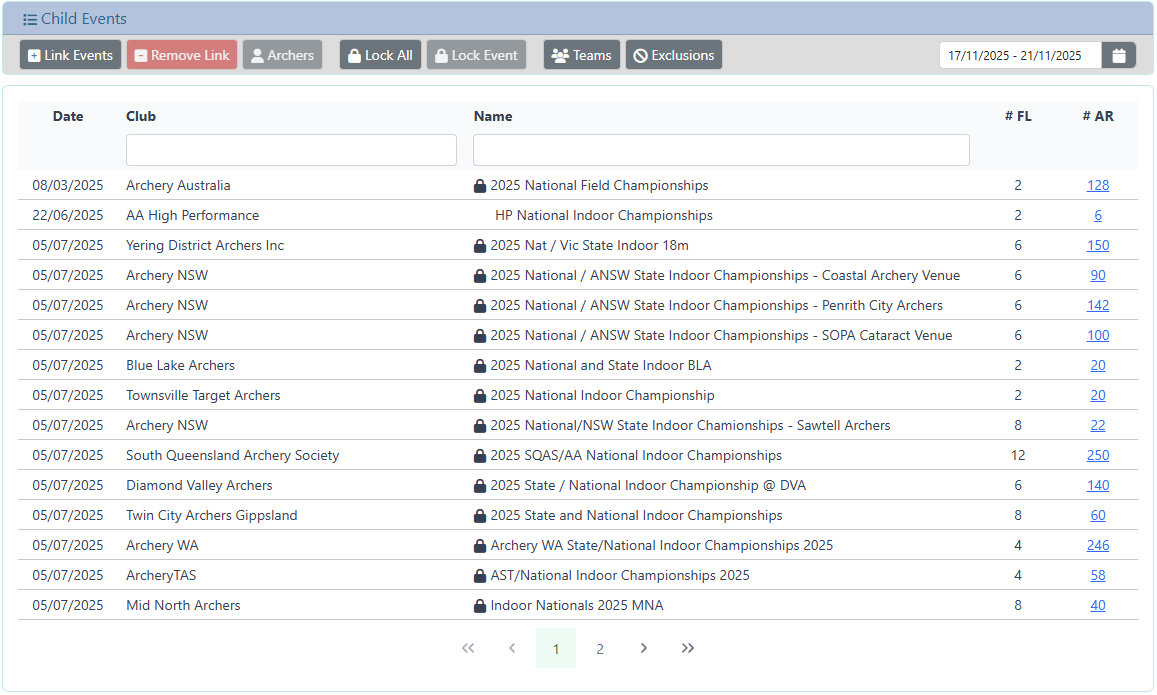
Link additional events
- make sure that the date range selector covers the period related to the additional events

By default, the range is only 3 days from the date of the Master Event. - click on the Link Events button.

A dialog will be presented listing all of the Events during the period selected
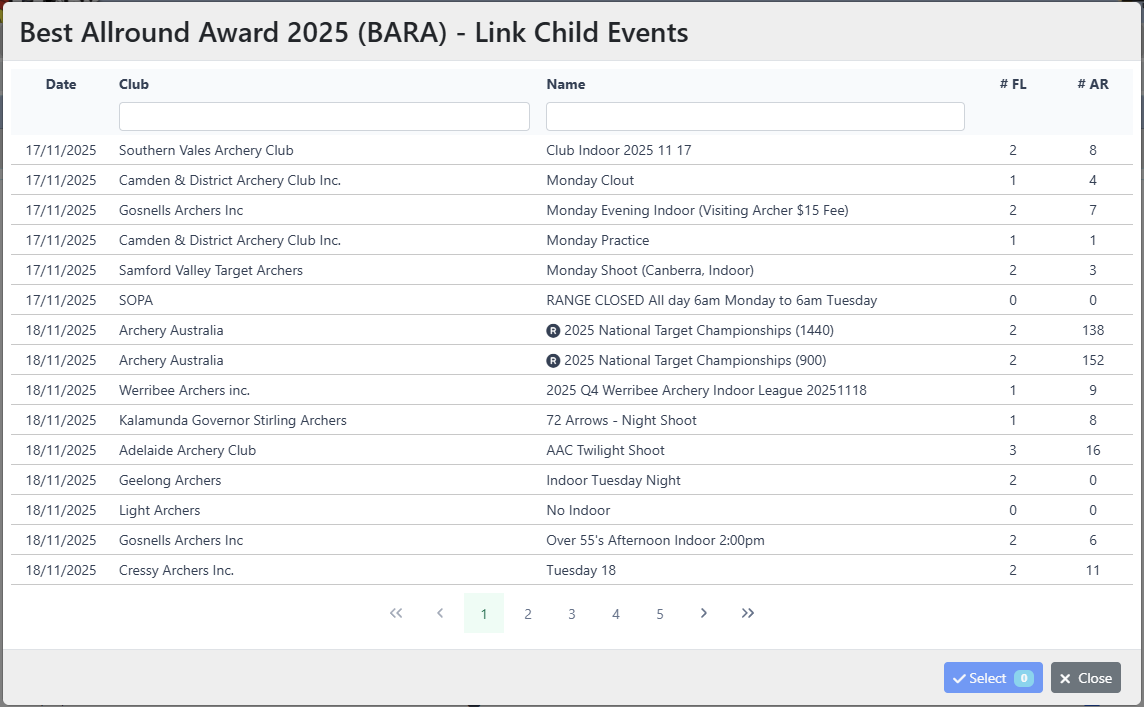
You can filter this list by Club name or Event name
Select one (or more) events to be linked.
- the Select button will show the number of Events selected
Click t4he Select button to complete the link.
Remove Linked Event
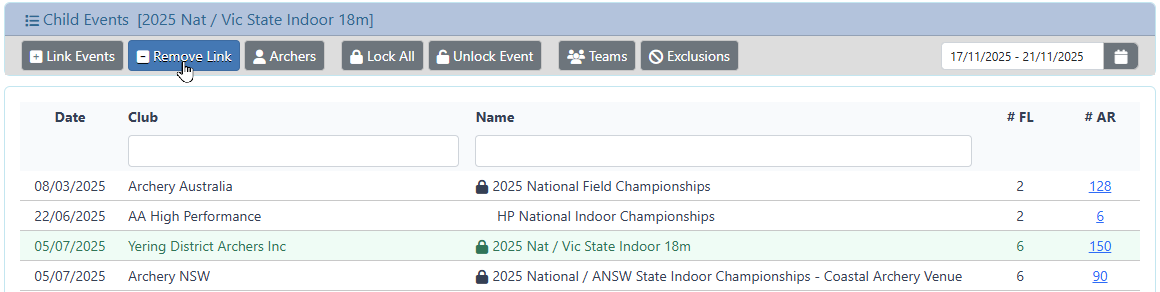
Select the Event from the list and click the Remove Link button
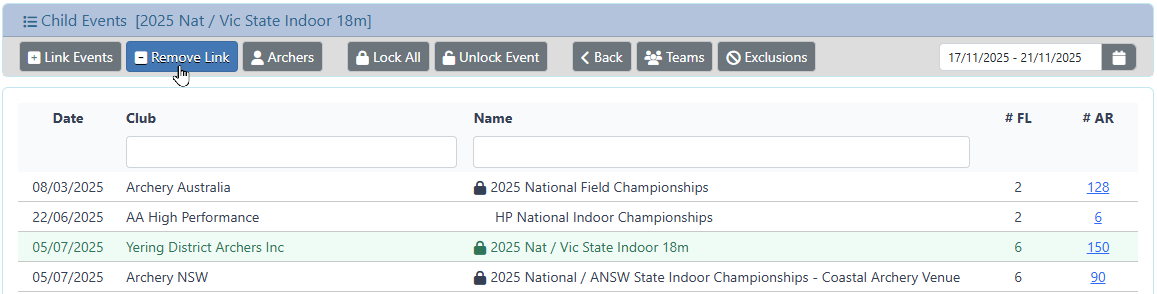
A confirmation dialog will be presented to confirm the removal of the Event from the Master Event results
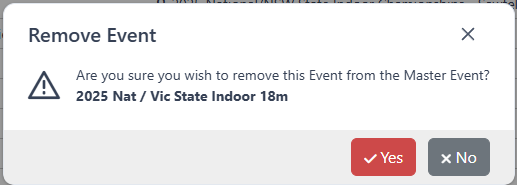
Click yes to continue and remove the Event from the Master Event.
The Event itself is not touched .. this only removes the Event from the Master Event results.
Click no to cancel the operation, the Event will not be removed.
View the Archers in an Event
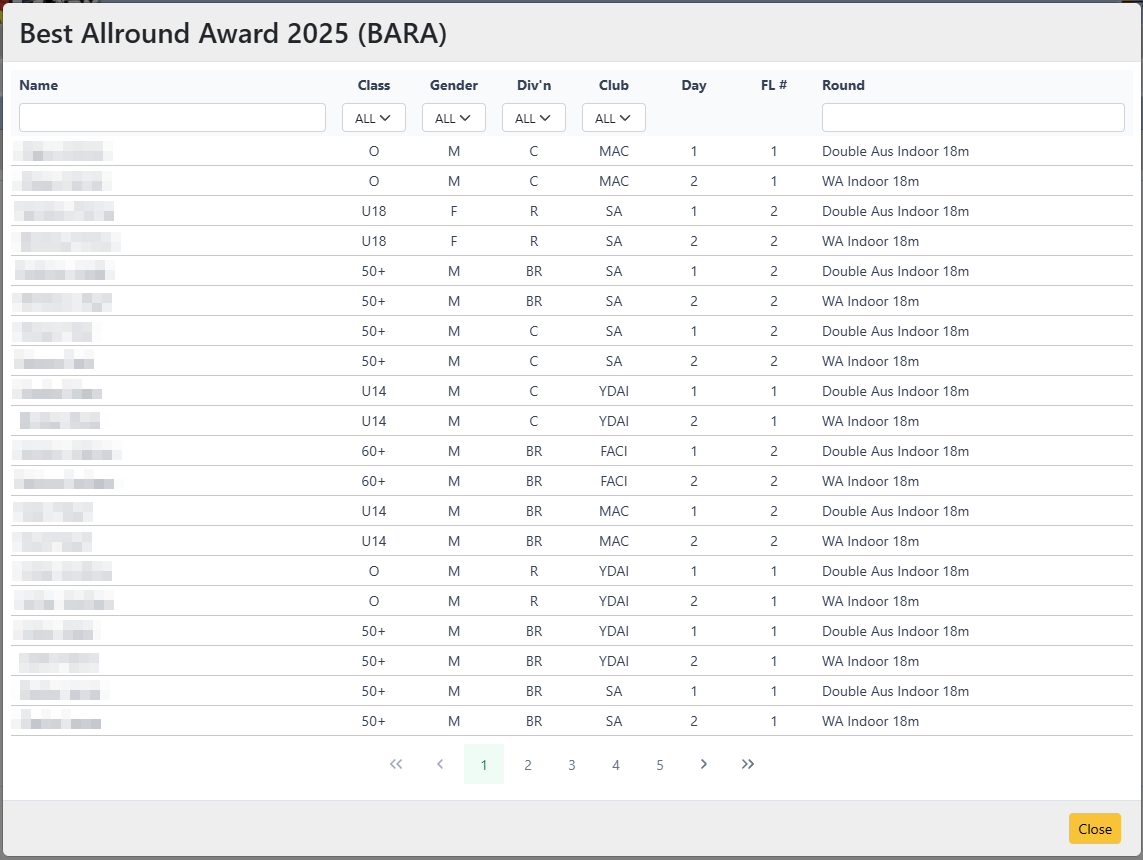
Select the Event from the list, and click on the Archers button
A dialog will be presented which displays all of the Archers registered to the Event
Lock ALL Events
To lock all of the Events linked to the Master Event, click on the Lock All button.

A dialog will be presented to confirm the operation
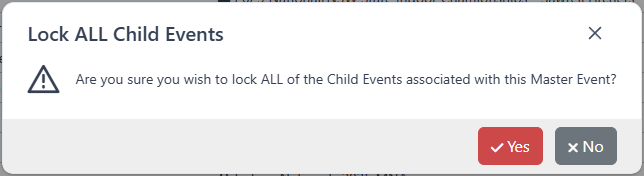
Click yes to confirm and lock all of the Child Events
Click no to cancel the operation, no Events will be locked.
Lock an Event
To lock a single Event, select the Event and click on the Lock Event button
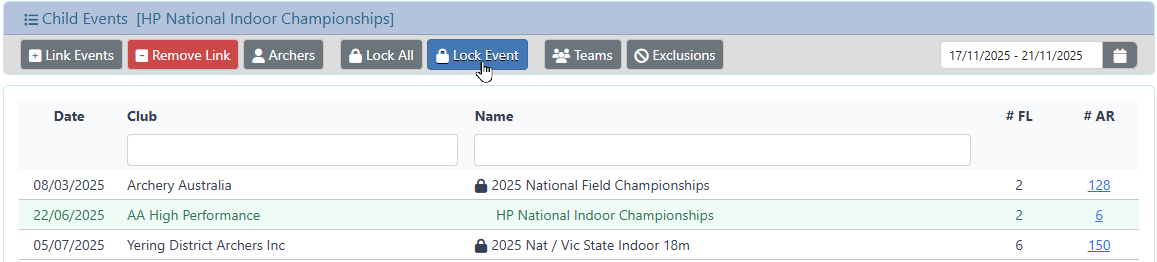
The Event will immediately be Locked. No further changes to the Event will be permitted.
Unlock an Event
To unlock a single Event, select the Event from the list and click on the Unlock Event button

The Event will immediately be Unlocked. Changes to the Event will again be permitted.
Teams
Display the Teams information for the current Master Event
Exclusions
Display the Exclusions information for the current Master Event